Arabic desktop publishing and typesetting
Arabic is written right to left, with connected letters and its own typographic rules. We make sure your translated documents look as professional as the originals.
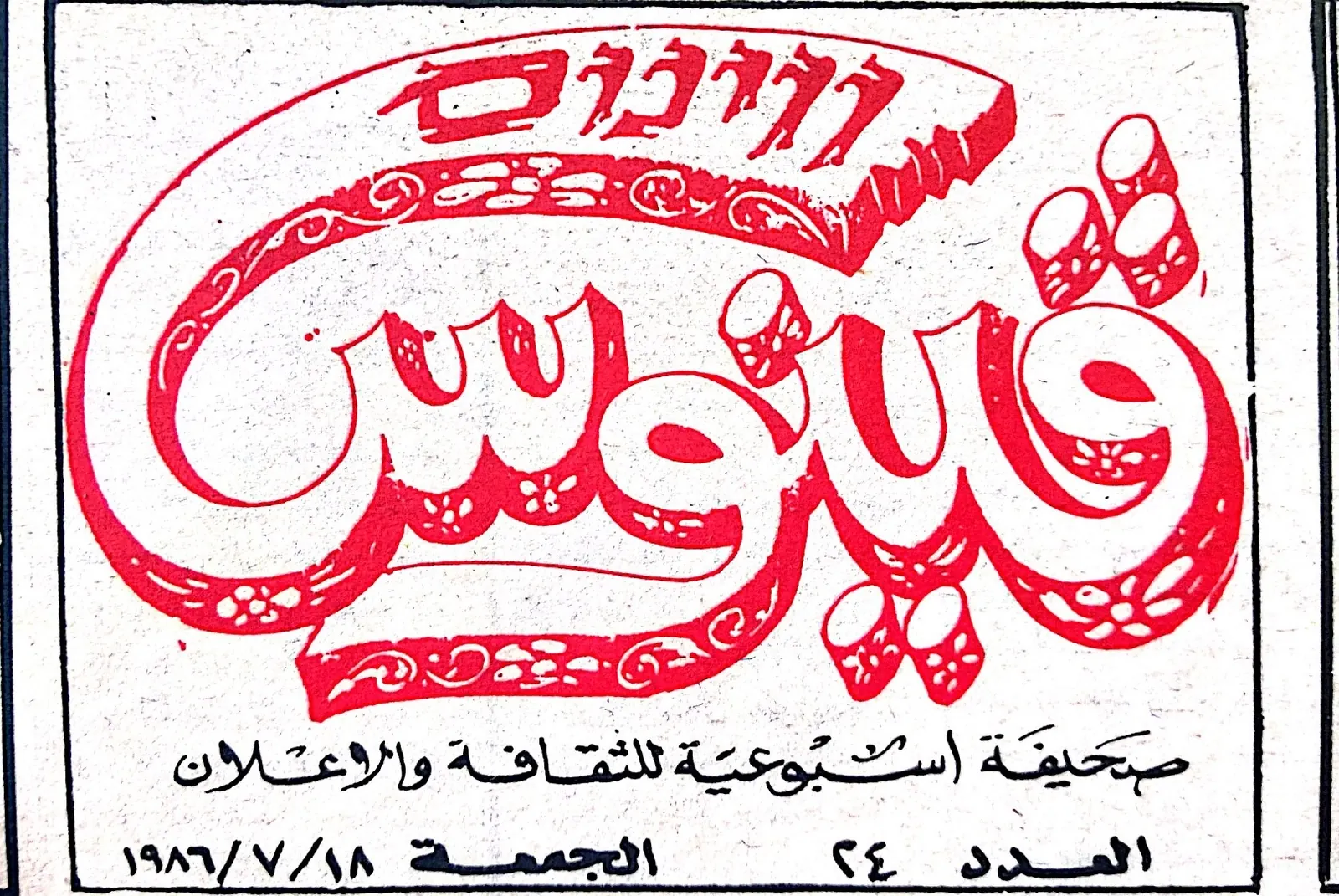
A perfect translation can still look wrong if it is poured into an English layout. Arabic text runs right to left, letters change shape depending on their position in a word, and numbers, punctuation and mixed English terms all need special handling. Without proper typesetting you can end up with reversed sentences, disconnected letters or broken line breaks, and Arabic readers notice at once.
What our Arabic DTP covers
- Mirroring layouts for right-to-left reading: page order, columns, tables, charts and icons
- Choosing Arabic fonts that match your brand style and are licensed for your use
- Correct handling of mixed Arabic and English text, numbers and punctuation
- Kashida (letter extension) and justification that look natural, not stretched
- Bilingual side-by-side or back-to-back English–Arabic documents
- Print-ready PDFs and editable source files
File formats
- Adobe InDesign
- Illustrator
- Photoshop
- Microsoft Word
- PowerPoint
- Excel
- Subtitle files
InDesign Arabic work requires the World-Ready composer and right-to-left paragraph settings; we deliver files that your designers can keep editing without breaking the Arabic.
Typical projects
- Brochures, catalogues and annual reports
- User manuals and safety instructions
- Packaging and labels
- Presentations and pitch decks
- Certificates, forms and bilingual contracts
Final Arabic proof
Every typeset file gets a final visual check by an Arabic reader before delivery, to catch broken words, wrong line breaks or text that overflowed its frame. These are problems a non-Arabic designer can't see.